[1] THE BRIEF
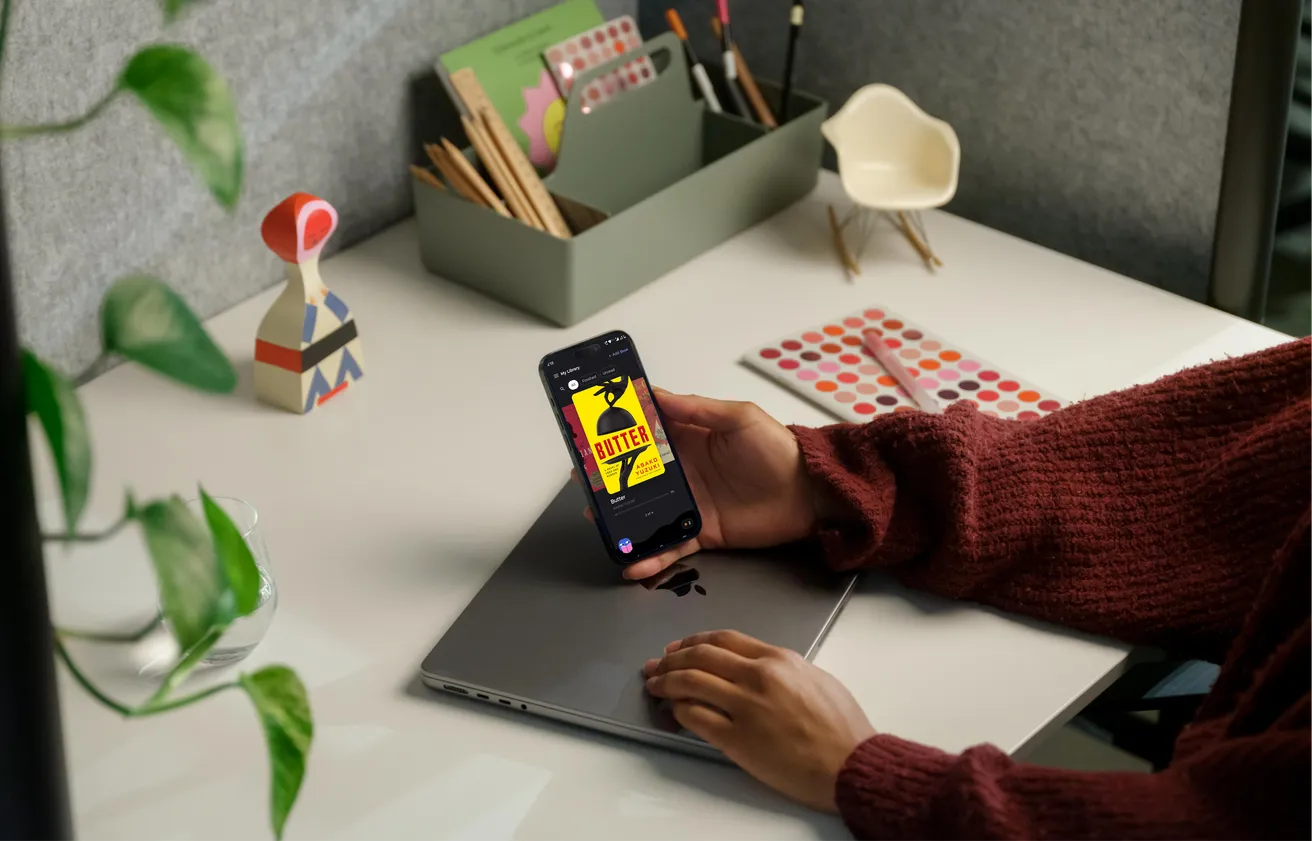
Most people have a folder of EPUBs and a phone that will not open them nicely. BookSkim is the reader for that folder — and it carries one idea of its own: turn on Fast Skim and the start of every word goes bold, so your eye has something to land on and stops sliding back over the line you just read. The promise on the box is a sentence, not a feature list: finish the books you start.
- Platform
- Android
- Scope
- Product design, Android app development
- Format
- EPUB, from your own files
- Price
- Free. No account, no ads
[2] FAST SKIM
A FIXED POINT
ON EVERY WORD
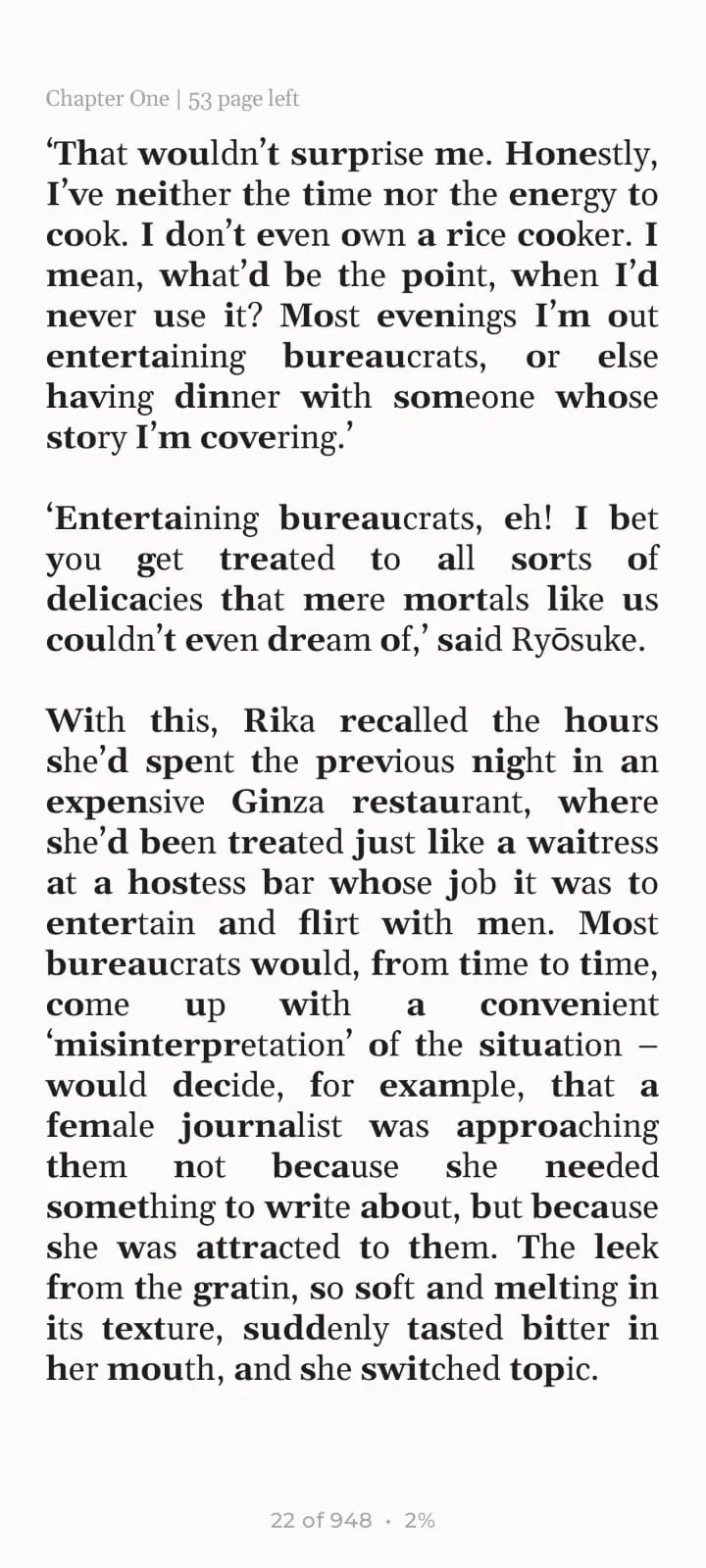
The bold head is an anchor. On a long line your eye has a fixed point to come back to instead of drifting up into the line above, and you skim the sentence rather than re-read it — which is what makes six hundred pages of a novel read like less of a climb. It does more for some people than for others, so it stays a switch, remembered per book.
On an exceptionally hot evening early in July a young man came out of the garret in which he lodged in S. Place and walked slowly, as though in hesitation, towards K. bridge.
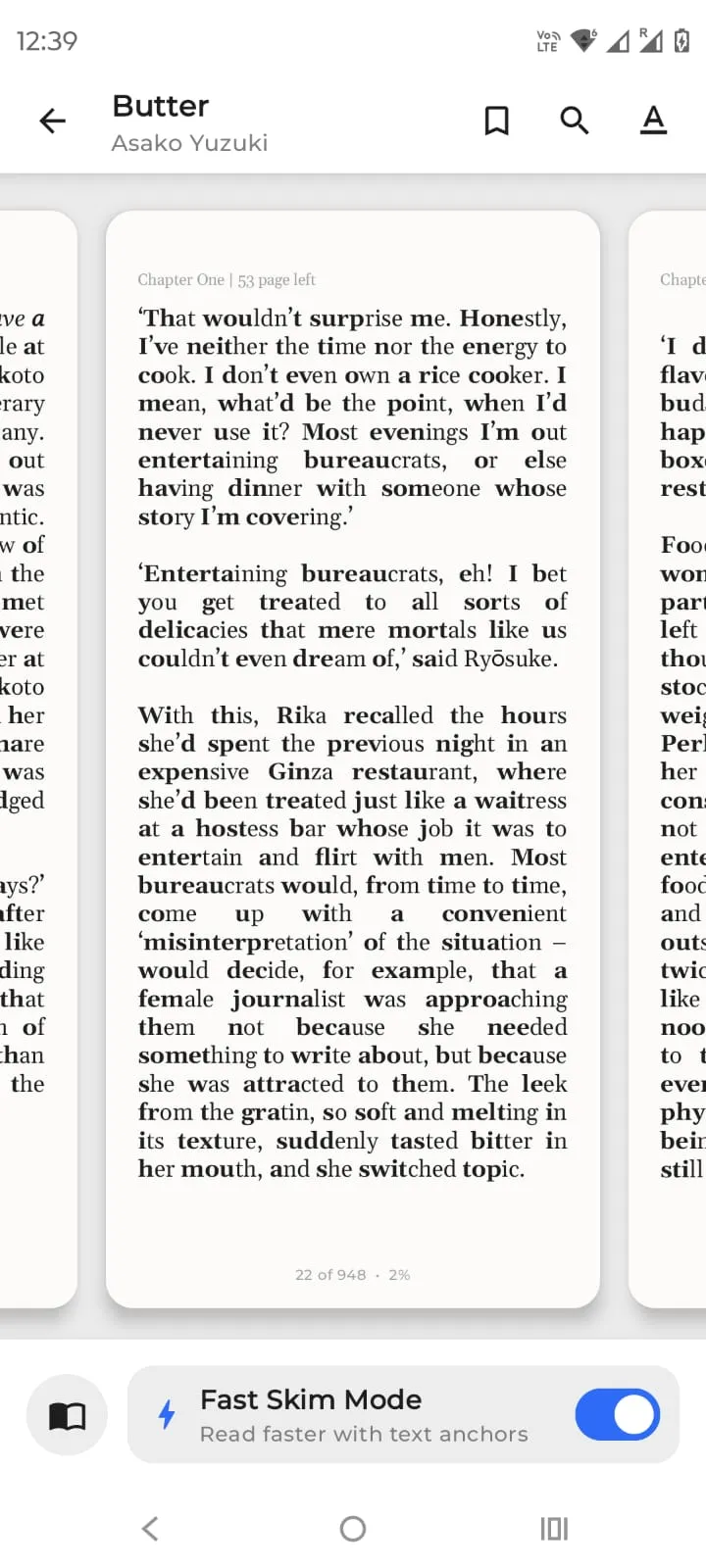
Which leaves the question of where the switch lives. The reader has two states, and the switch belongs to the second one.
Default
The page and nothing else. Tap the edge and it curls over to the next one. No bar, no progress ring, nothing sitting on top of the book.
Tap the page
The controls rise: search, type, background, bookmarks, the table of contents — and the Fast Skim switch at the foot, one tap from the paragraph you are testing it on rather than three levels into a settings screen. Tap again and they are gone.
[3] EVERYTHING ELSE IT DOES
One idea is not a product. You spend most of an evening in the ordinary parts of a reader — the shelf, the page, the word you did not know — so those had to be at least as considered as the thing the app is named for.
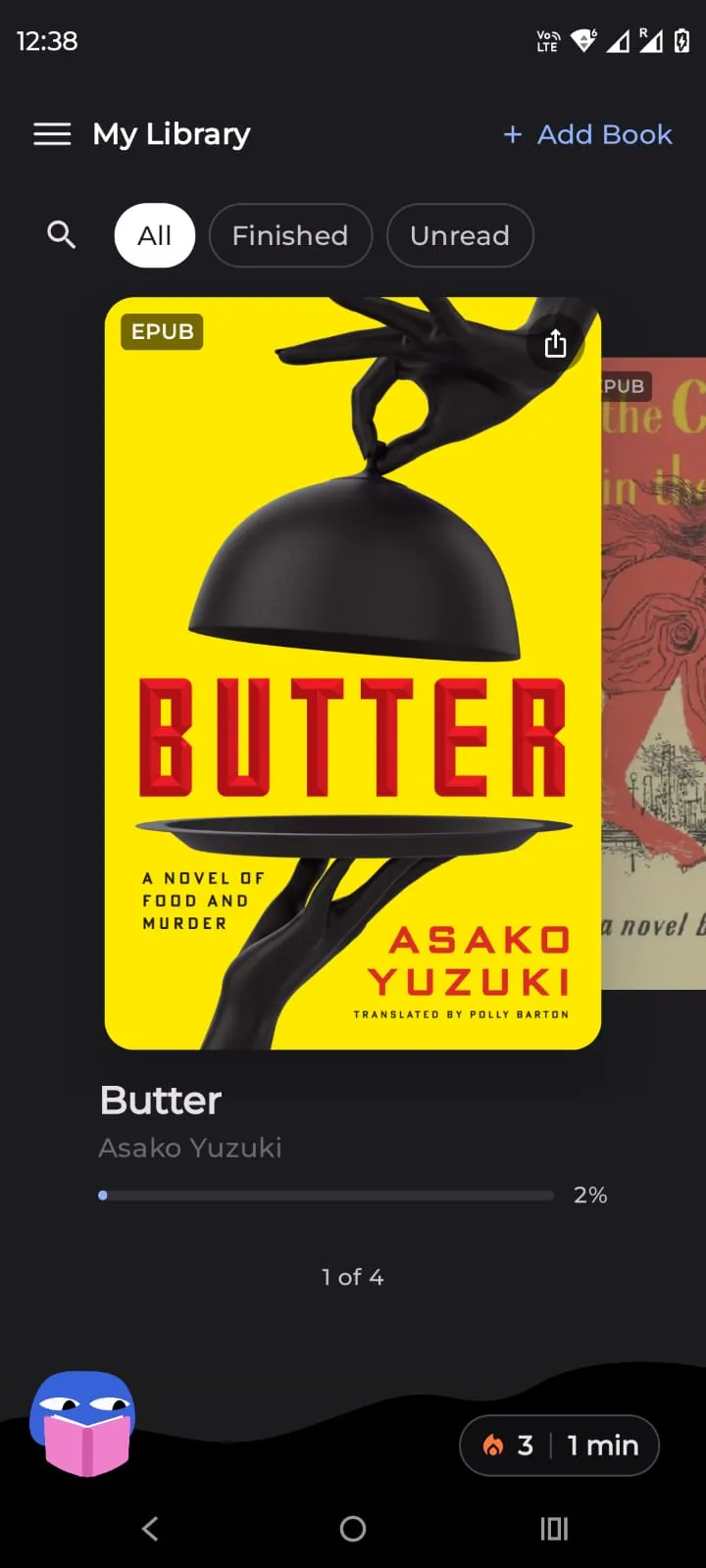
The library
Covers first, progress under each one. Nothing to buy and nothing recommended — these are books you already own.
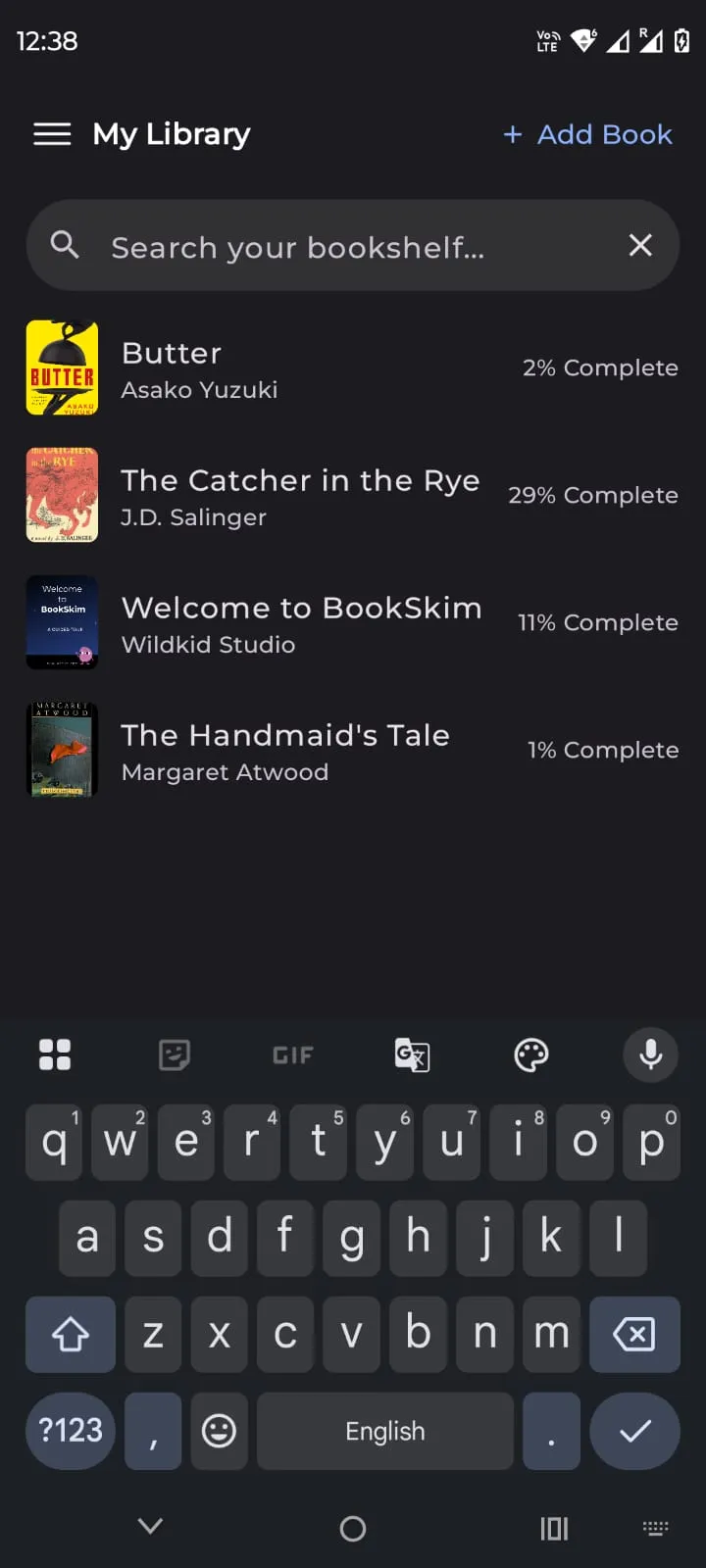
Search the shelf
The same shelf as a list, with how far along you are on every title, so a half-finished book is never hidden behind a cover.
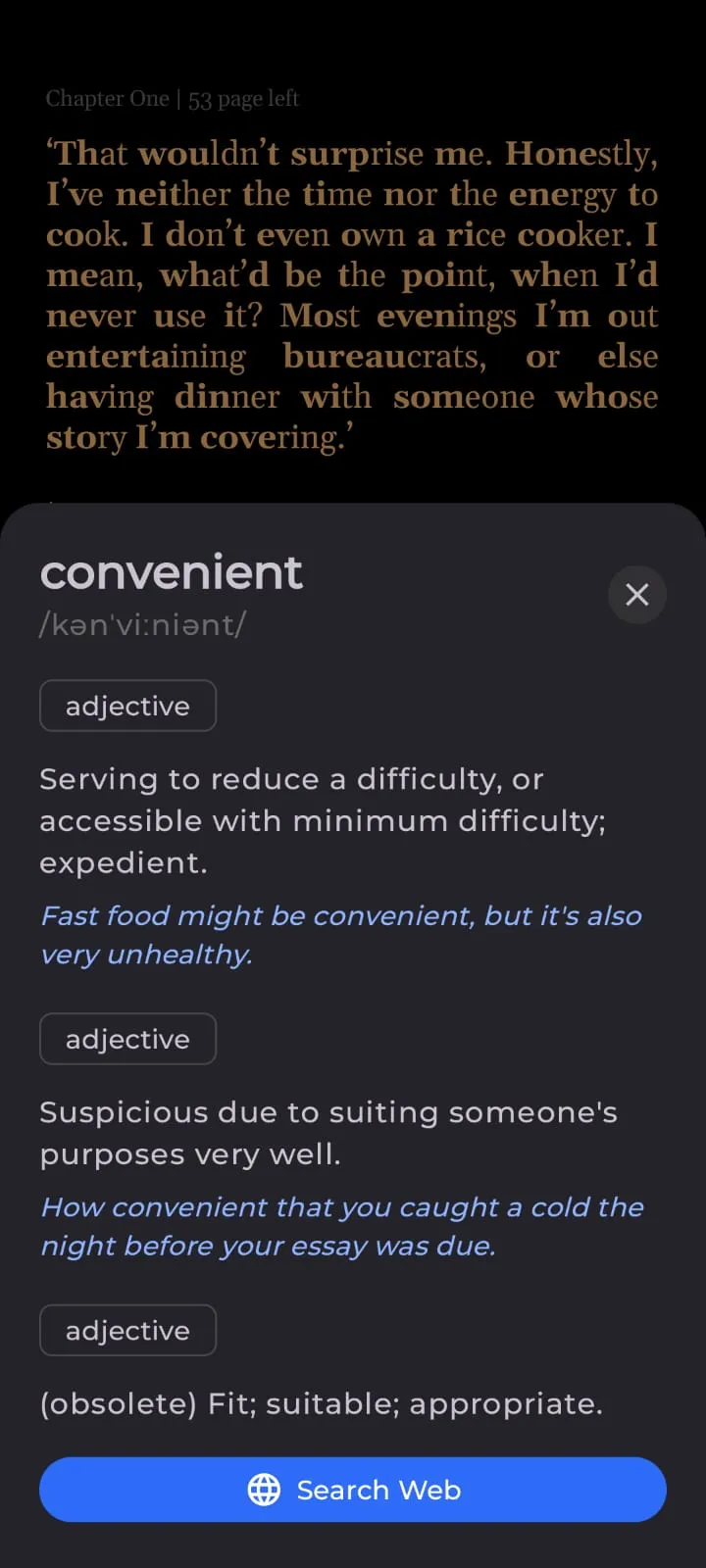
Long-press for a definition
The meaning comes up over the page, with the senses stacked and an example under each. No browser, no tab to close, no lost place.
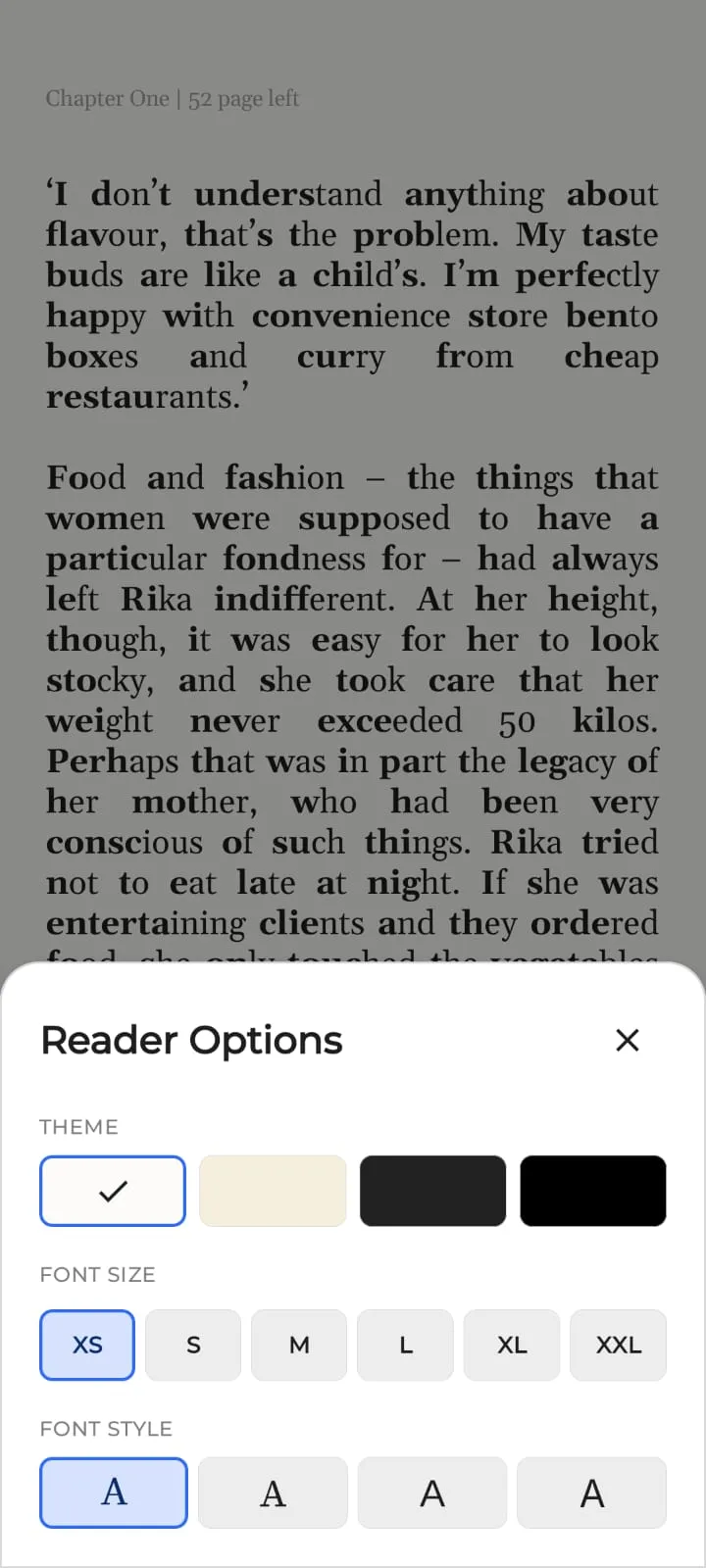
Reader options
Four themes, four faces, six sizes. Paper for the afternoon, true black for a dark room, and whatever sits easiest on your eyes in between — one sheet, one tap from the page you were on.
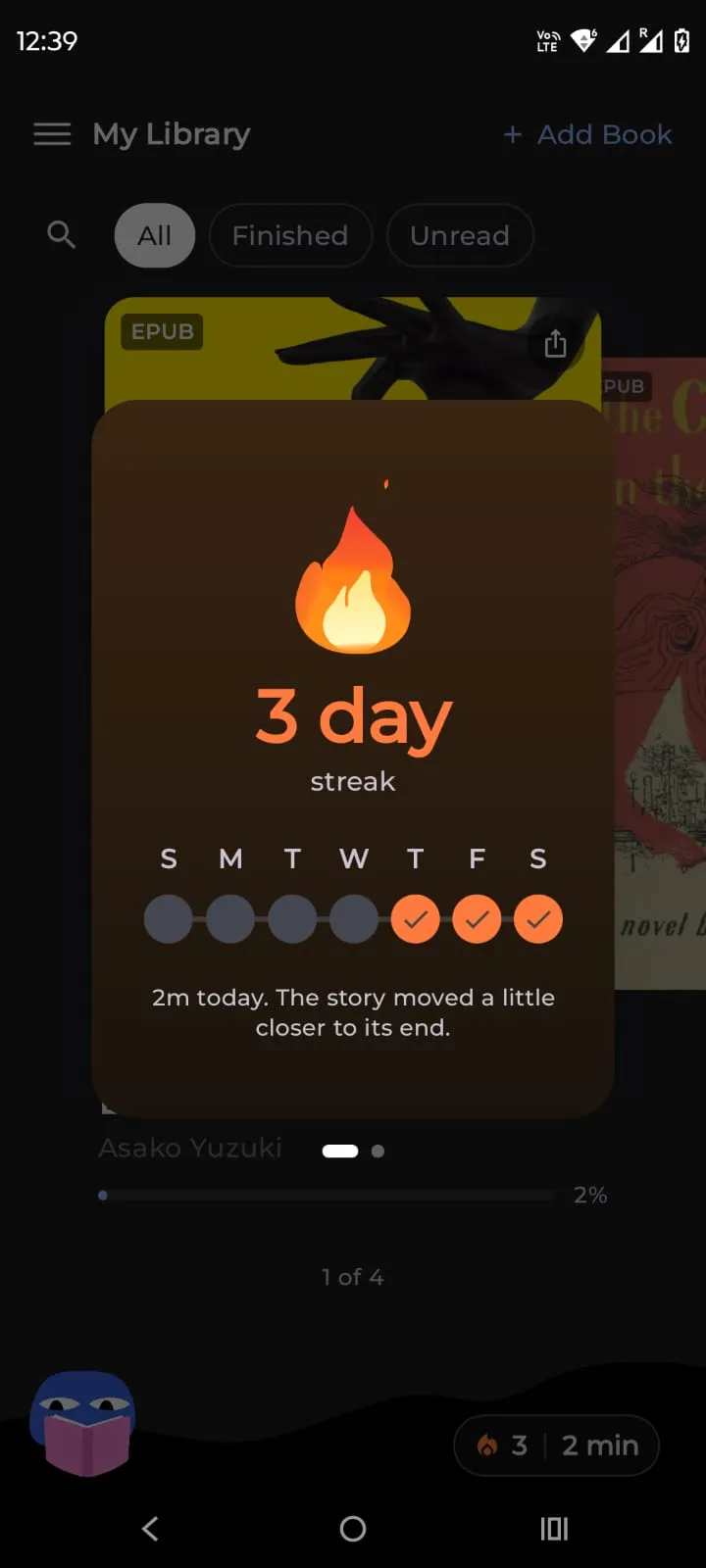
A streak, and nothing built on it
The days you read, marked across the week, and a line about the book rather than about you. No leaderboard, no feed, nobody else can see it.
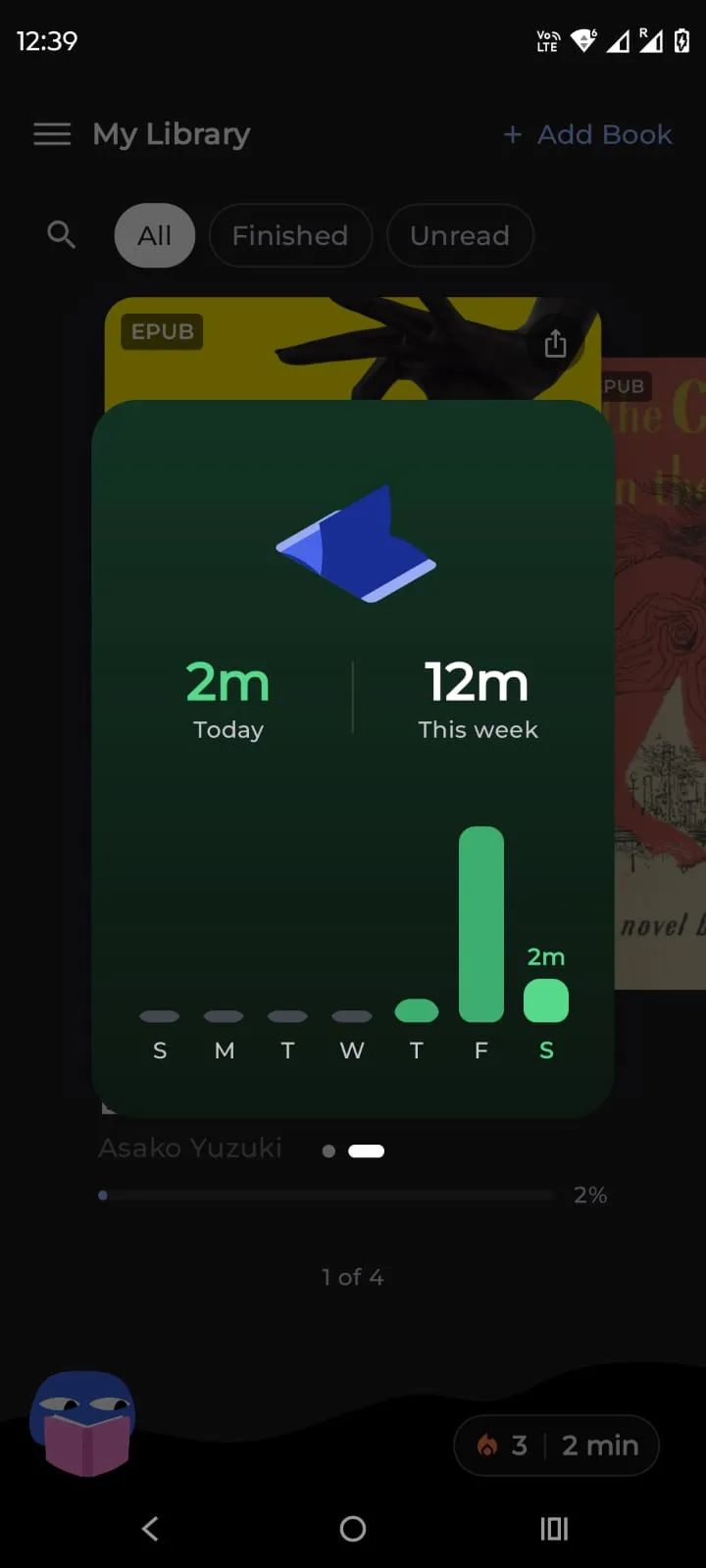
Minutes, not targets
Today against the week, and that is the whole of it. Nothing to hit, nothing to lose, nothing that nags you when the bar is short.
[4] WHY IT STAYS QUIET
IT WON’T ASK YOU
FOR ANYTHING
- No account
- No email, no password, no profile. Install it and read.
- No ads, ever
- Not a banner, not an interstitial, not a sponsored recommendation.
- No tracking
- No analytics and no behavioural profiling. Nobody knows what you read, including us.
- Offline by default
- The app reaches the internet only when you tap a word or send a bug report. Books, highlights and stats live on the phone.
Free. Offline. Yours. You already have the books — this opens them.